
Getting Started with the API
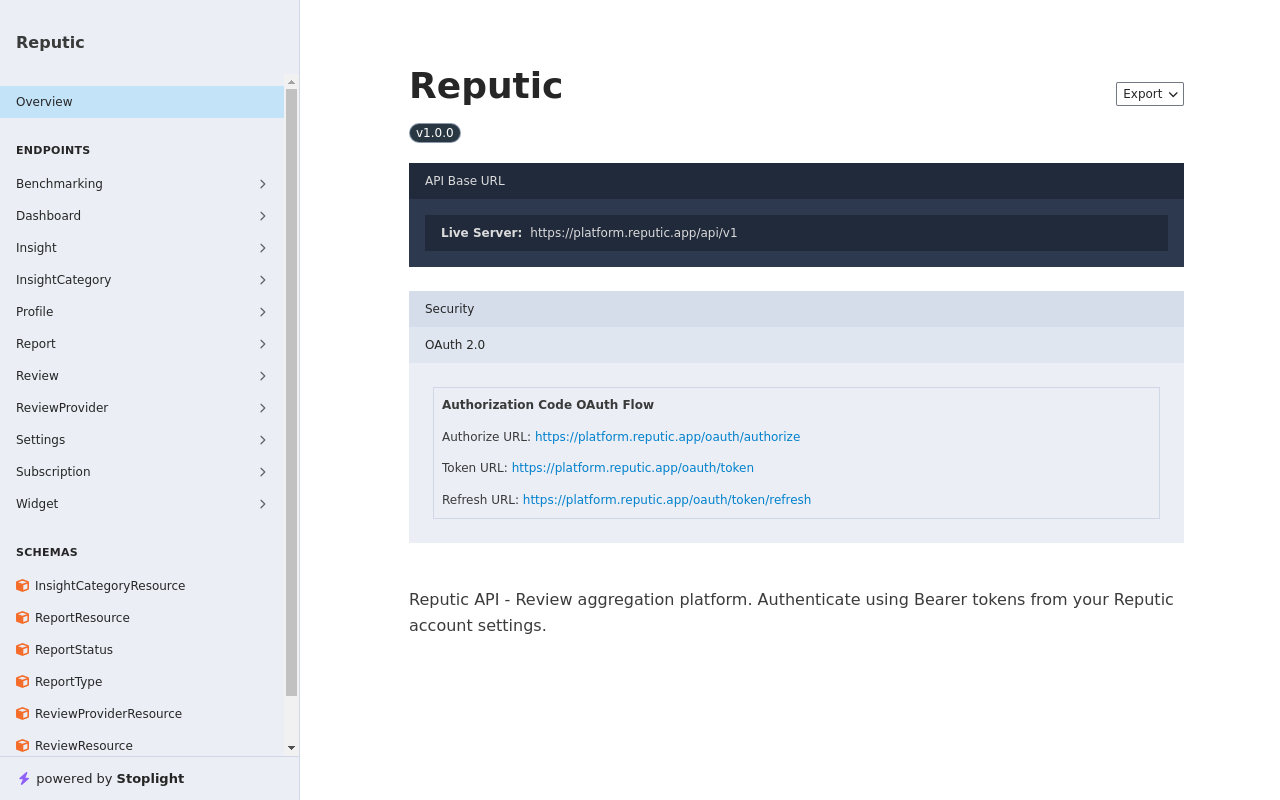
Reputic provides a REST API with 23 endpoints, giving you programmatic access to your reviews, insights, reports, and more. Whether you're building a custom dashboard, syncing data to a third-party tool, or automating workflows, the API gives you full control.
Prerequisites
- Active Reputic account with an active subscription or trial
- An OAuth app created from your Profile page (see Managing OAuth Apps)
Authentication
The Reputic API uses OAuth 2.1 for authentication. You'll need to create an OAuth app and complete the authorization flow to get an access token.
Quick Setup
- Go to your Profile page and scroll to OAuth Apps
- Create a new OAuth app with a name and redirect URI
- Note your Client ID and Client Secret
- Complete the authorization flow to get an access token
For detailed setup instructions, see Managing OAuth Apps.
Using Your Access Token
Once you have an access token, include it as a Bearer token in the Authorization header of every request:
curl https://platform.reputic.app/api/v1/dashboard/statistics \
  -H "Authorization: Bearer YOUR_ACCESS_TOKEN" \
  -H "Accept: application/json"
Your First API Call
The dashboard statistics endpoint is a good starting point — it returns your key metrics in a single request.
curl https://platform.reputic.app/api/v1/dashboard/statistics \
  -H "Authorization: Bearer YOUR_ACCESS_TOKEN" \
  -H "Accept: application/json"
A successful response will return a JSON object with your total reviews, average score, and sentiment percentages.
Key Endpoints
The API is organized into the following resource groups:
| Group | Description |
|---|---|
| Reviews | List, filter, and retrieve individual reviews |
| Review Providers | Manage connected review sources |
| Dashboard | Aggregate statistics and metrics |
| Insights | AI-generated insight categories and summaries |
| Widgets | Create and manage embeddable review widgets |
| Reports | Generate and retrieve review reports |
| Benchmarking | Competitor benchmarking data |
| Settings | Account and notification preferences |
For the full list of endpoints, request/response schemas, and interactive examples, visit the API documentation.
Rate Limits
To ensure fair usage, the API enforces the following rate limits per minute:
| Request Type | Limit |
|---|---|
| Read requests (GET) | 60 per minute |
| Write requests (POST, PUT, DELETE) | 30 per minute |
| AI-powered requests | 10 per minute |
If you exceed a limit, you'll receive a 429 Too Many Requests response. Wait a moment before retrying.
Revoking Access
If an OAuth app's credentials are compromised or no longer needed:
- Navigate to your Profile page
- Scroll to the OAuth Apps section
- Click Revoke next to the app
Revoking an app immediately invalidates all its access tokens.
Tips
Pro Tip: Create a separate OAuth app for each integration or application. This way, you can revoke access for a single integration without affecting others.
Pro Tip: Use the interactive API documentation to explore endpoints and test requests directly in your browser before writing code.
Related Articles
Need help? Contact Support
Related Articles
Reputic Dashboard Overview
See how the Reputic dashboard centralizes review management, sentiment, trends, and AI insights for connected review sources.
Connecting Review Sources
Learn how to connect your review platforms to Reputic and start aggregating customer feedback from Google, TripAdvisor, Booking.com, and more.
Navigating Your Reviews
Learn how to browse, filter, and read customer reviews from all your connected platforms in one place.