
Creating Review Widgets
Reputic widgets let you embed real customer reviews directly on your website. Choose from four widget types, customize the look and feel, and copy a simple embed code into your site's HTML.
Prerequisites
- Active Reputic account with an active subscription or trial
- At least one connected review source with imported reviews
- Access to your website's HTML to paste the embed code
The Widgets Page
Navigate to Widgets in the sidebar to manage your review widgets.
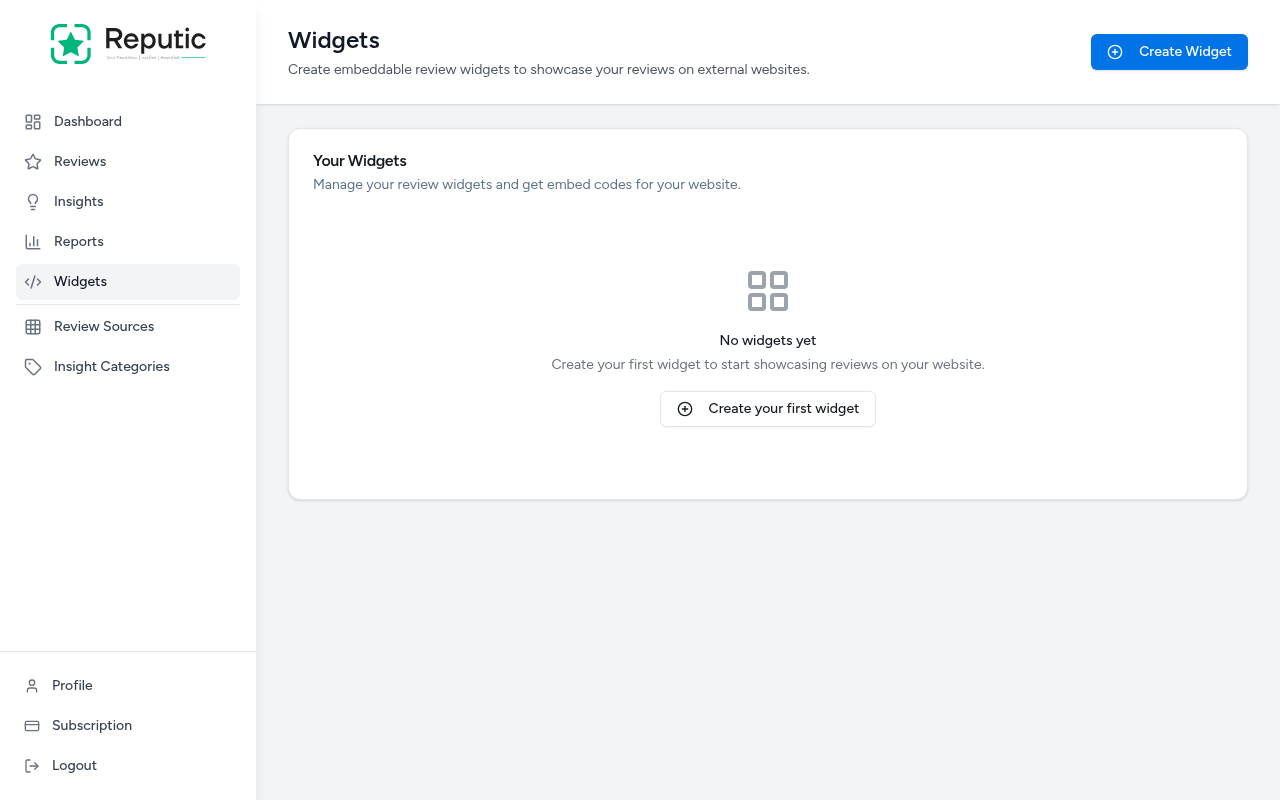
From here you can create new widgets, edit existing ones, and get embed codes for your website.
Creating a Widget
- Navigate to Widgets in the sidebar
- Click Create Widget in the top right corner
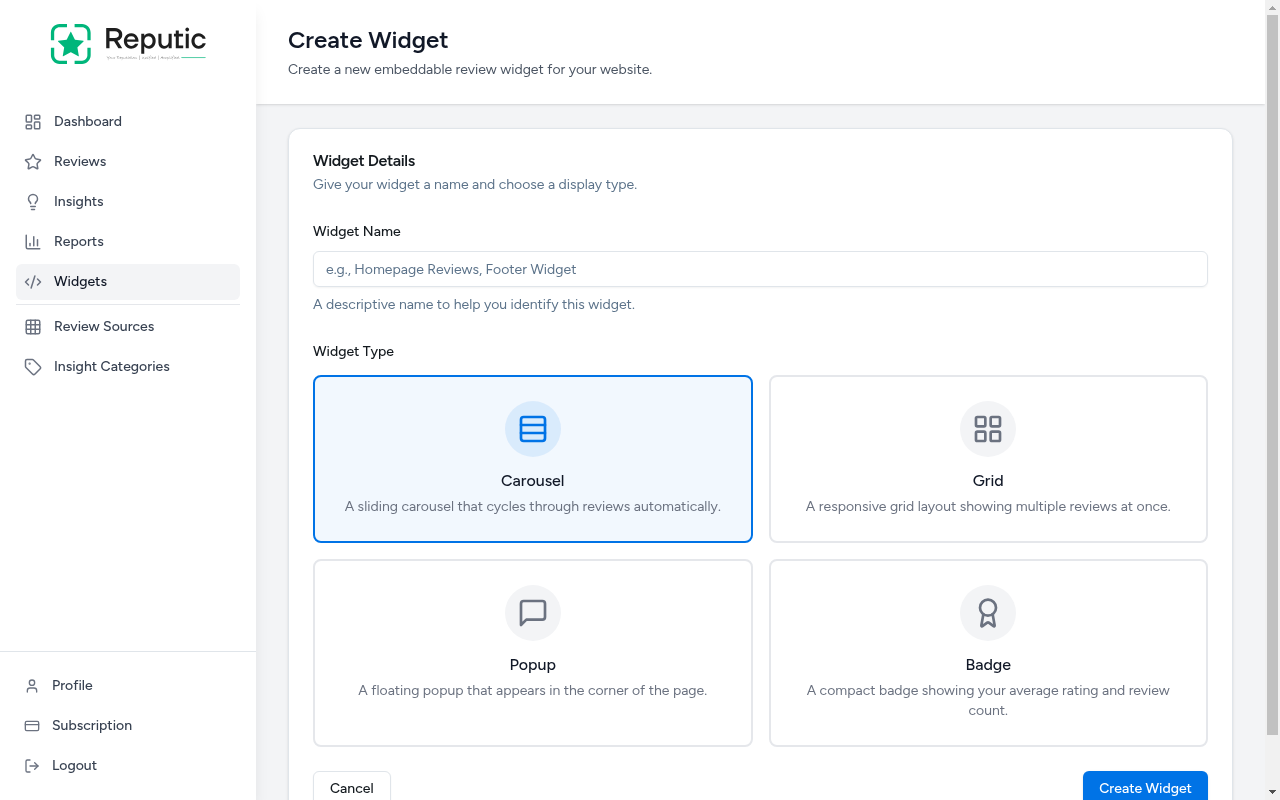
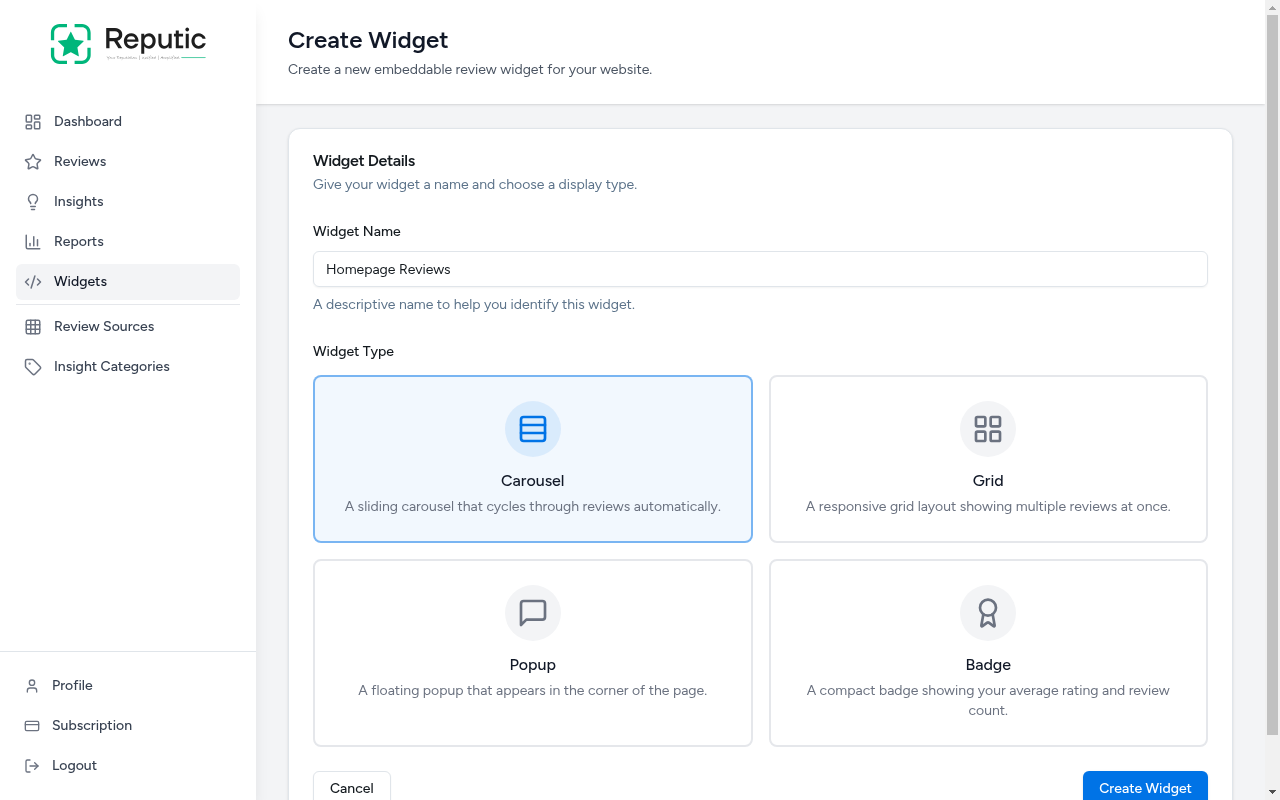
- Enter a Widget Name (e.g., "Homepage Reviews", "Footer Widget")
- Select a Widget Type from the four available options
- Click Create Widget
Widget Types
| Type | Description | Best For |
|---|---|---|
| Carousel | A sliding carousel that cycles through reviews automatically | Hero sections, homepage banners |
| Grid | A responsive grid layout showing multiple reviews at once | Testimonial pages, dedicated review sections |
| Popup | A floating popup that appears in the corner of the page | Subtle social proof across all pages |
| Badge | A compact badge showing your average rating and review count | Headers, footers, sidebars |
Configuring Your Widget
After creating a widget, you're taken to the edit page where you can fine-tune every detail.
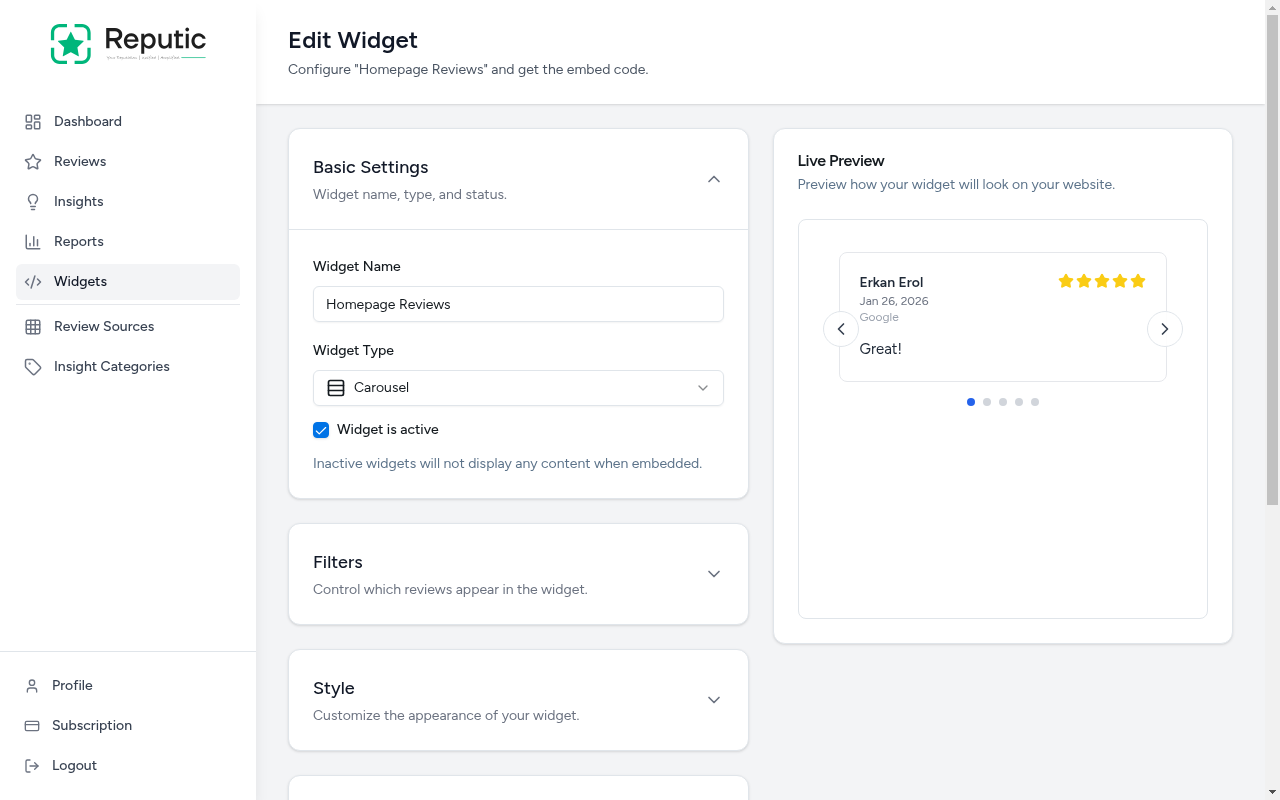
The edit page has four configuration panels on the left and a Live Preview on the right that updates as you make changes.
Basic Settings
- Widget Name: Update the name to help you identify this widget
- Widget Type: Switch between Carousel, Grid, Popup, or Badge
- Widget is active: Toggle the widget on or off. Inactive widgets won't display any content when embedded.
Filters
Control which reviews appear in the widget.
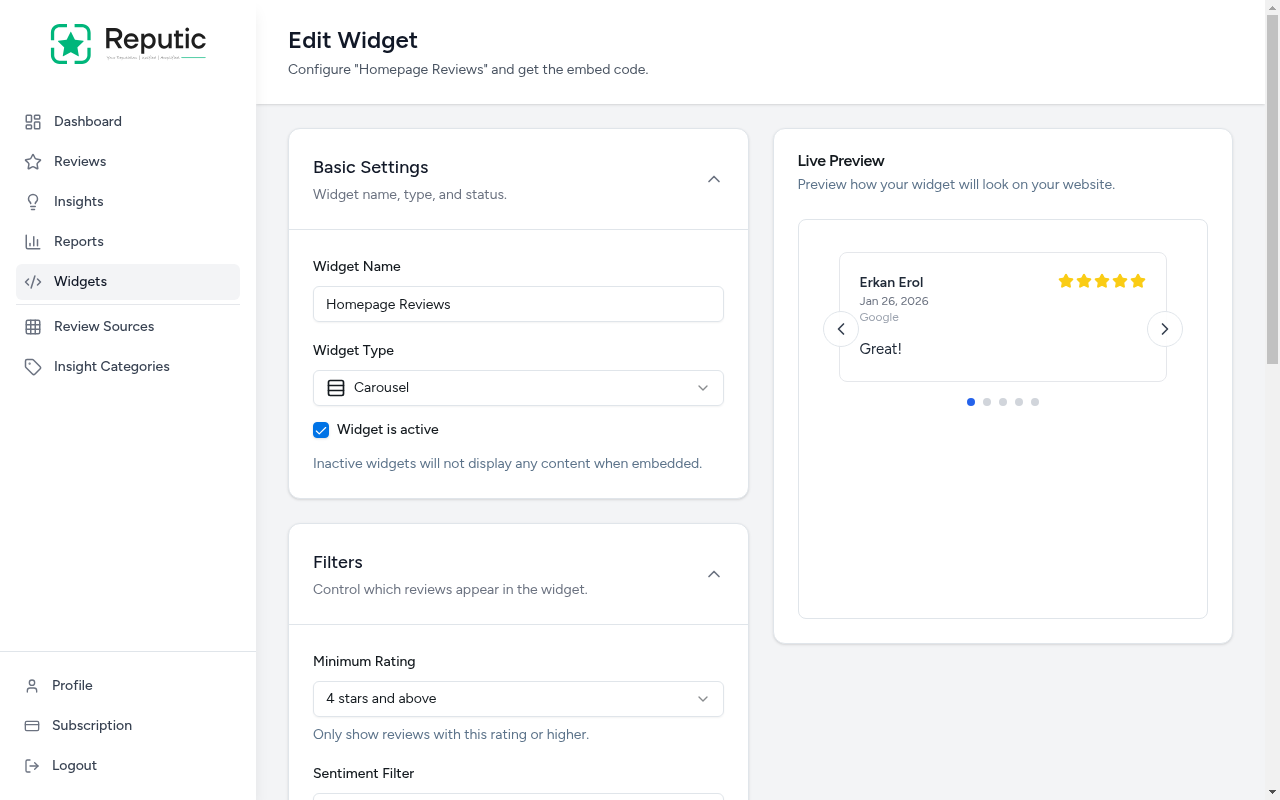
- Minimum Rating: Only show reviews with this rating or higher (e.g., "4 stars and above")
- Sentiment Filter: Restrict to positive-only reviews or show all sentiments
- Review Sources: Select which connected platforms to include. Leave all unchecked to include reviews from every source.
- Maximum Reviews: Set how many reviews to display (1-50)
Style
Customize the appearance to match your website's design.
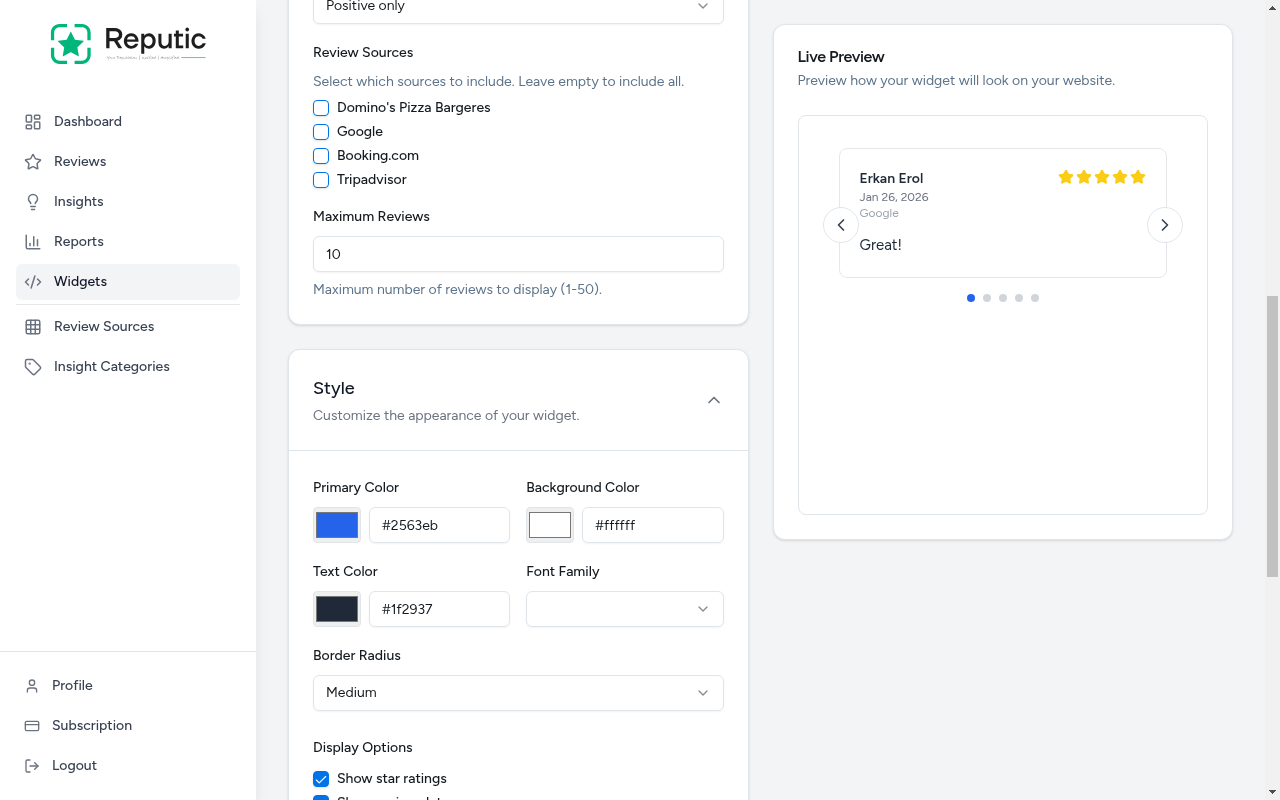
- Primary Color: The accent color used for highlights and ratings
- Background Color: The card background color
- Text Color: The main text color
- Font Family: Choose a font that matches your site
- Border Radius: Set rounded corners (None, Small, Medium, Large, Full)
- Display Options: Toggle visibility of star ratings, review date, review source, and reviewer name
Behavior
Configure widget animations and refresh settings, such as auto-play speed for carousels and automatic data refresh intervals.
Getting the Embed Code
Below the configuration panels you'll find the Embed Code section. It contains an HTML snippet that looks like this:
'''html
<script src="https://platform.reputic.app/widgets/embed.js" data-widget-id="YOUR_WIDGET_ID" async></script> '''Click Copy to copy the code to your clipboard, then paste it into your website's HTML wherever you want the widget to appear.
Saving Changes
After adjusting settings, click Save Changes to apply your updates. The embed code stays the same, your widget automatically reflects the latest configuration.
Deleting a Widget
- Open the widget you want to delete
- Click Delete Widget at the bottom of the settings panel
- Confirm the deletion in the dialog
Warning: Deleting a widget removes it from any website where it's embedded. This action cannot be undone.
Tips
Pro Tip: Use the Carousel widget on your homepage to showcase rotating testimonials. Set the minimum rating to 4 stars and the sentiment to positive-only for the best impression.
Pro Tip: Match the widget's colors to your brand by using the Style settings. A widget that blends into your site looks more trustworthy than a generic one.
Pro Tip: Create separate widgets for different pages. A compact Badge works great in your footer, while a Grid shines on a dedicated testimonials page.
Need help? Contact Support