
Managing Your Subscription
The Subscription page lets you view your current plan and manage your billing. Reputic uses Stripe for secure payment processing, so your payment details are never stored on our servers.
Prerequisites
- Active Reputic account
Viewing Your Current Plan
Click Subscription in the bottom section of the sidebar.
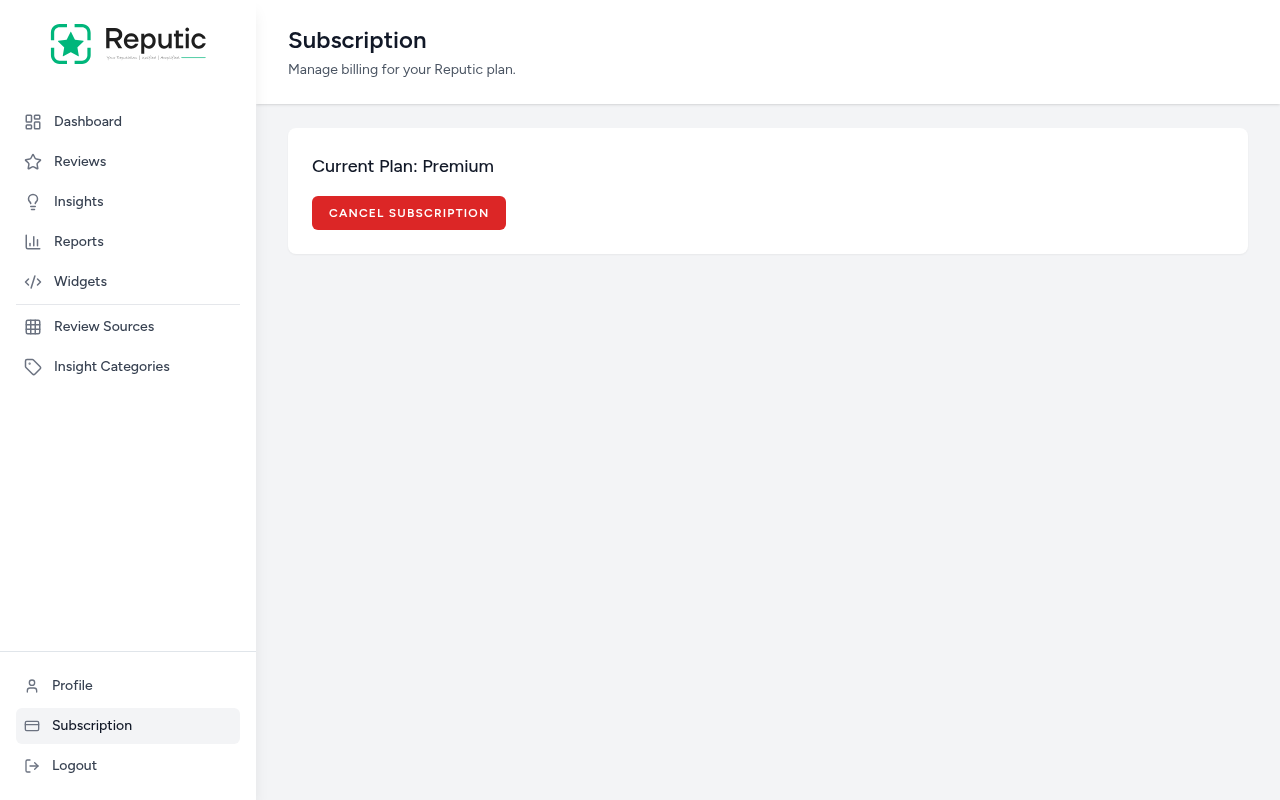
The page displays your current plan name (e.g., "Premium") and gives you the option to cancel.
Free Trial
New Reputic accounts start with a 14-day free trial that includes full access to every feature, reviews, insights, reports, widgets, and AI-powered reply suggestions.
When the trial ends, you'll need to subscribe to continue using Reputic.
Canceling Your Subscription
- Navigate to Subscription in the sidebar
- Click Cancel Subscription
- Confirm the cancellation
After canceling:
- You keep full access until the end of your current billing period
- No further charges will be made
- Your account and data remain intact, nothing is deleted
Note: Canceling your subscription is not the same as deleting your account. Your reviews, insights, and settings are preserved. To permanently remove your data, see Managing Your Account.
Reactivating Your Subscription
If you've canceled and want to come back:
- Navigate to Subscription in the sidebar
- Follow the prompts to resubscribe
- Your data is right where you left it
As long as you haven't deleted your account, all your reviews, insights, and widget configurations remain available when you reactivate.
Payment & Security
- Billing is handled securely through Stripe
- Your credit card details are never stored on Reputic servers
- You can update your payment method through the billing portal
Tips
Pro Tip: If you're unsure about continuing, cancel rather than delete. Canceling preserves your data, so you can pick up exactly where you left off if you decide to return.
Pro Tip: Make the most of your trial by connecting all your review sources in the first few days. The more reviews Reputic imports, the more useful your insights and reports become.
Need help? Contact Support